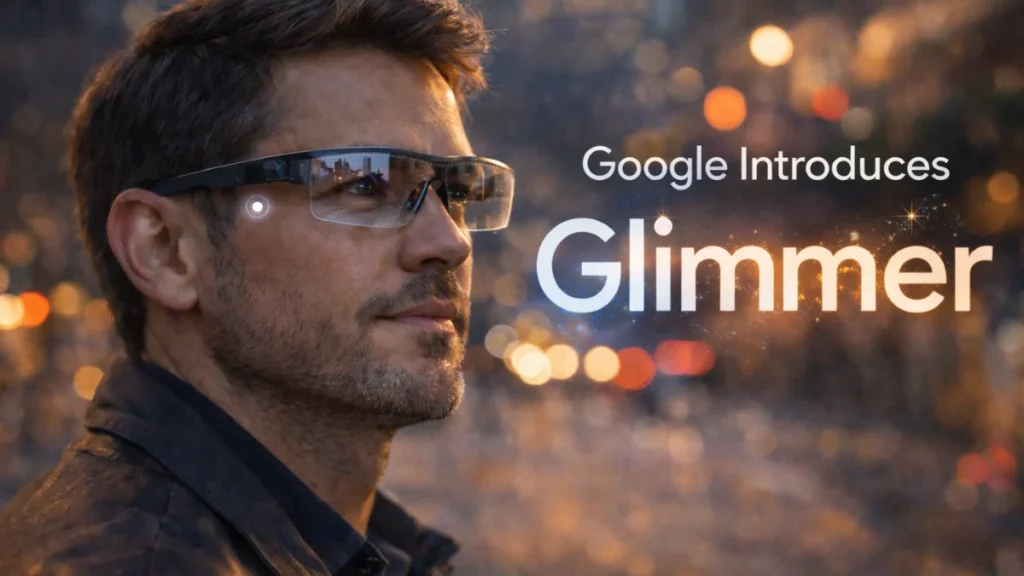
The company outlines a design language built around glanceable interfaces, voice input, and eye tracking.
The hardest problem in wearable computing isn’t the hardware. It’s knowing when to stay out of the way.
That’s the premise behind Glimmer, a newly introduced design language from Google aimed at user experiences on glasses-based devices. Announced by the company’s design team this week, Glimmer outlines how interfaces for transparent screens should behave when they sit directly in a user’s field of view.
Rather than pushing dense menus or app grids into a tiny floating display, Glimmer emphasizes voice, gesture, and eye-tracking as primary inputs. Visual elements, according to Google, should be transient and glanceable appearing only when needed and disappearing quickly.
It’s a notable shift in tone from earlier generations of wearable interfaces, and it signals that Google is thinking seriously about how to make smart glasses usable in everyday environments without overwhelming users.
A Reset on Interface Assumptions
Traditional UX frameworks evolved around rectangular screens that demand full attention — phones, laptops, tablets. Glasses flip that dynamic. The real world becomes the background layer. Digital elements are overlays.
That creates tension.
If visual information lingers too long, it obstructs the physical world. If it demands too much focus, it becomes distracting even unsafe. If it behaves like a smartphone UI, it feels misplaced.
Glimmer appears to address that friction directly. According to Google’s design documentation, the system prioritizes lightweight, contextual information. Interfaces are meant to feel ephemeral rather than persistent.
The concept is simple: the user shouldn’t feel like they are “in” a device. The interface should surface only what’s relevant in the moment directions, contextual prompts, quick confirmations and then dissolve.
For developers and product teams, that signals a philosophical constraint. Glasses are not mini tablets strapped to the face. They require a different interaction hierarchy.
Introducing Glimmer ✨ @Google’s new design language for UX on glasses! Glimmer prioritizes voice, gesture, and eye-tracking — focusing on glanceable, transient elements that appear only when needed.
— Google Design (@GoogleDesign) February 17, 2026
Discover thoughtful design for a new dimension: https://t.co/vlh43tqMVs pic.twitter.com/JK2jSV3bY4
Designing for Transparency
Google’s design guidance emphasizes the unique constraints of transparent displays. Unlike opaque screens, overlays must coexist with real-world lighting conditions, movement, and spatial awareness.
That affects everything from typography and contrast to motion timing.
Glimmer proposes UI elements that are subtle but legible, anchored spatially rather than locked to a fixed 2D frame. Elements are designed to appear as if they inhabit the physical environment instead of floating abstractly.
This is where eye tracking and gesture input become central. If the system can infer where a user is looking, it reduces the need for explicit taps or navigation. That, in theory, lowers cognitive load.
But that also raises implementation questions. Eye-tracking hardware varies in precision. Latency matters. Misinterpreted glances could trigger unintended actions. Google has not detailed hardware specifications tied to Glimmer, leaving open the question of how tightly coupled the framework is to specific future devices.
The Voice-First Bet
Another core pillar of Glimmer is voice.
Voice interaction has matured significantly over the past decade, particularly with advancements in AI-powered assistants. But using voice as a primary interface in public spaces remains socially complex. Users may hesitate to issue commands aloud in crowded environments.
Google’s design framing suggests that voice is intended to reduce reliance on persistent visual controls. Instead of navigating through layers of UI, a user might simply ask for what they need.
That works well in controlled environments. Its reliability in noisy or privacy-sensitive settings remains to be seen.
From a workflow perspective, enterprise applications may find voice appealing. Field technicians, warehouse workers, and healthcare staff often need hands-free operation. If Glimmer’s principles align with enterprise-grade hardware, that could open new vertical opportunities.
Still, Glimmer itself is a design language — not a product launch tied to a specific device. That distinction matters. The real test will come when hardware integrates these principles in live environments.
Competitive Timing
The timing of Glimmer’s debut is difficult to ignore.
The broader AR and smart glasses market has regained momentum after years of false starts. Companies across consumer and enterprise segments are revisiting wearable displays as components shrink and AI improves contextual computing.
Google has been here before.
The company’s earlier attempt with Google Glass in the early 2010s struggled to find mainstream acceptance, in part due to privacy concerns and unclear use cases. Since then, competitors have refined their approaches, often positioning glasses as lightweight notification layers rather than full computing replacements.
By focusing now on design language rather than hardware spectacle, Google may be signaling a more measured re-entry. It suggests an understanding that the interface layer not just optics — will determine whether the category succeeds.
Design languages historically shape ecosystems. Apple’s Human Interface Guidelines helped define iOS app behavior. Material Design provided coherence across Android.
If Glimmer evolves into a standard reference for glasses-based development, it could influence third-party design patterns well beyond Google’s own devices.
Developer and Ecosystem Questions
For developers, the immediate question is practical: what tools, SDKs, or platform commitments accompany Glimmer?
The initial announcement and documentation outline conceptual principles more than implementation details. There’s no clear timeline for SDK releases, supported hardware, or monetization pathways.
Without that, adoption may stall at the conceptual level.
Enterprise buyers will also look for clarity around security, privacy, and compliance. Eye-tracking and voice data introduce sensitive inputs. Any glasses ecosystem will need robust safeguards and transparent data handling policies to gain enterprise trust.
Google’s broader cloud and AI infrastructure could support such an ecosystem, but Glimmer itself does not address those operational concerns.
Usability in Real Environments
From a usability standpoint, the success of Glimmer depends on restraint.
Glasses users are not seeking immersive screen time. They want frictionless augmentation. Directions without pulling out a phone. Contextual prompts without app switching. Translation overlays without holding up a device.
If Glimmer’s transient model works, it could reduce what many early AR systems struggled with: clutter.
But minimalism introduces trade-offs. Too little information forces users to request more repeatedly. Too much breaks immersion. Finding that balance requires rigorous testing in motion-heavy, unpredictable environments streets, workplaces, public transit.
Google’s experience designing for billions of Android devices may help, but glasses remain a fundamentally different surface.
What This Signals About Google’s Strategy
Glimmer suggests that Google is preparing for a more serious role in next-generation wearable computing.
It stops short of announcing hardware, pricing, or timelines. But design languages rarely emerge in isolation. They typically precede platform moves.
By framing glasses UX around glanceability and contextual intelligence, Google appears to be aligning wearable interfaces with its broader AI ambitions. The more contextual the system becomes, the less visible the interface needs to be.
That could be the long-term bet, computing that fades into the background.
What I’ll Be Watching Next
The design philosophy is clear. The ecosystem roadmap is not.
The next indicators to watch will be developer tooling, hardware partnerships, and enterprise pilots. Without those, Glimmer risks remaining an elegant framework without widespread deployment.
If Google pairs this design system with credible hardware and strong privacy controls, it could reframe how wearable interfaces are built.
Until then, Glimmer is a signal not yet a shift.
And in the wearables market, signals matter.