Adobe isn’t just adding features to Firefly.
It’s quietly changing what AI video creation feels like.
With a new set of tools rolling out today, Firefly moves beyond “generate and hope” into something closer to real filmmaking control—precision edits, camera movement, a browser-based video editor, and a limited-time offer of unlimited AI generations.
For creators who’ve hit walls with generative video, this update lands hard.
From Random Outputs to Surgical Edits
Until now, fixing a small mistake in an AI-generated video meant starting over. One wrong object, one awkward background—and the whole clip was gone.
Firefly’s new Prompt to Edit for video flips that workflow.
Instead of regenerating, creators can now tell the model exactly what to change. Remove a person. Swap the background. Adjust lighting. Zoom slightly.
The key shift isn’t the commands—it’s that the edit happens inside the existing clip.
That means fewer rerolls. Less guesswork. And far more creative control.
Adobe is betting that creators don’t want more randomness. They want direction.
Camera Motion, Without the Guessing Game
Firefly is also tackling one of AI video’s biggest weak points: camera movement.
Creators can now upload a reference video that shows how they want the camera to move—pan, push, track—and anchor that motion to a starting frame image.
The result is AI video that feels intentional instead of floaty.
It’s a small addition with big implications, especially for ads, product shots, and cinematic social content where motion sells the story.
Firefly Video Editor Enters Public Beta
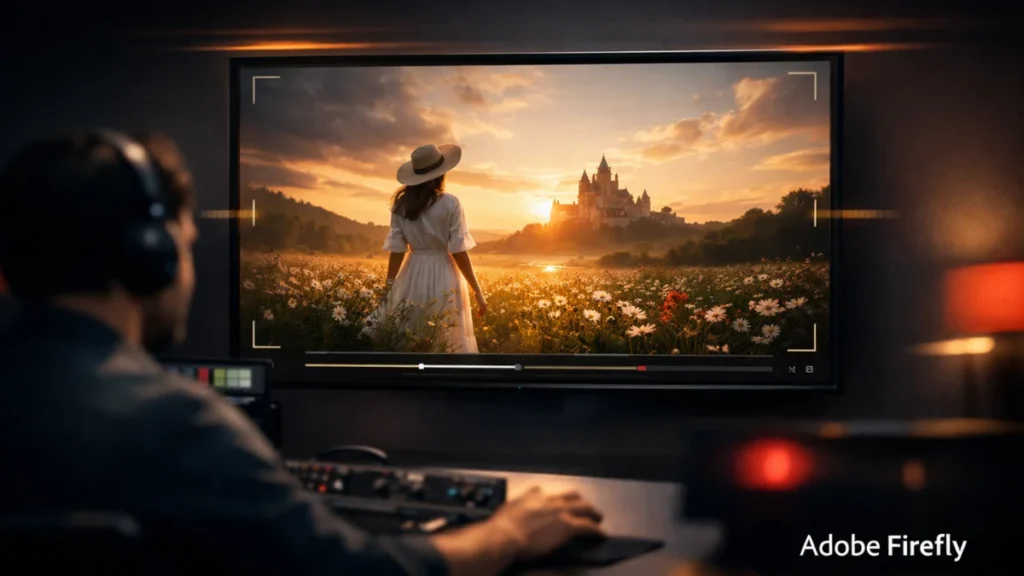
The most strategic move may be Firefly’s new browser-based video editor, now available in public beta.
This isn’t a full Premiere replacement. It’s lighter. Faster. And built specifically for AI-first workflows.
Creators can combine:
- AI-generated clips
- Music and sound
- Live-action footage
Editing works two ways:
- Traditional timeline for precise cuts
- Text-based editing for interviews or talking-head videos
The idea is simple: Firefly shouldn’t stop at generation. It should be where the story comes together.
Old Footage Gets a Second Life
Generative AI isn’t only about making new things. Sometimes it’s about fixing old ones.
Firefly Boards now integrates Topaz Astra, allowing video upscaling to 1080p or 4K.
That opens the door for:
- Reviving archival brand footage
- Cleaning up low-res social clips
- Preparing older videos for modern platforms
Notably, upscaling runs in the background, letting creators keep working instead of waiting.
It’s a quiet productivity win.
More Models, Less Lock-In
Adobe is also expanding Firefly’s model ecosystem.
The latest addition is FLUX.2 from Black Forest Labs, an image model known for photorealism and strong text rendering. It supports up to four reference images and plugs directly into Firefly, Photoshop, and soon Adobe Express.
The message is clear: Firefly isn’t a single model—it’s a hub.
Unlimited Generations—For Now
To push adoption, Adobe is offering unlimited image and video generations until January 15 for users on select Firefly plans.
That includes Firefly’s own commercially safe models and partner models from Google, OpenAI, and Black Forest Labs.
For creators, this removes a major friction point. Experimentation no longer feels expensive.
And experimentation is how tools like this actually get used.
Why This Matters
Adobe isn’t chasing viral demos. It’s chasing workflows.
Firefly now covers the full arc:
- Generate
- Edit
- Assemble
- Enhance
All inside Adobe’s ecosystem.
That puts pressure on standalone AI video startups—and raises expectations for what “AI-assisted” creation should look like in 2025.
The Big Picture
AI video tools are everywhere right now. Most promise speed. Few deliver control.
Firefly’s update doesn’t scream revolution. It whispers something more dangerous to competitors: this might actually fit into how professionals work.
And that’s usually how Adobe wins.